Project Starhaven
A downloadable game for Windows and macOS
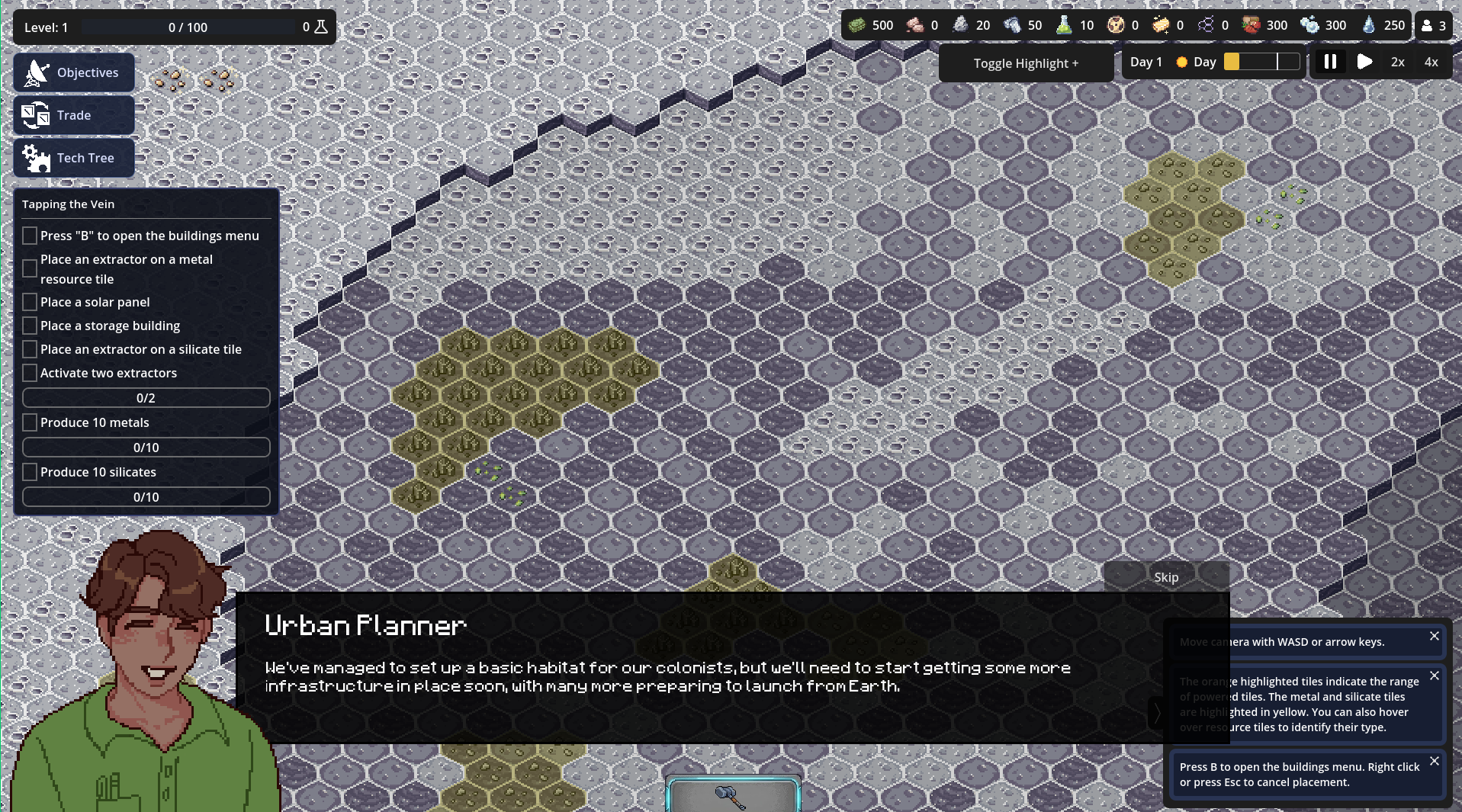
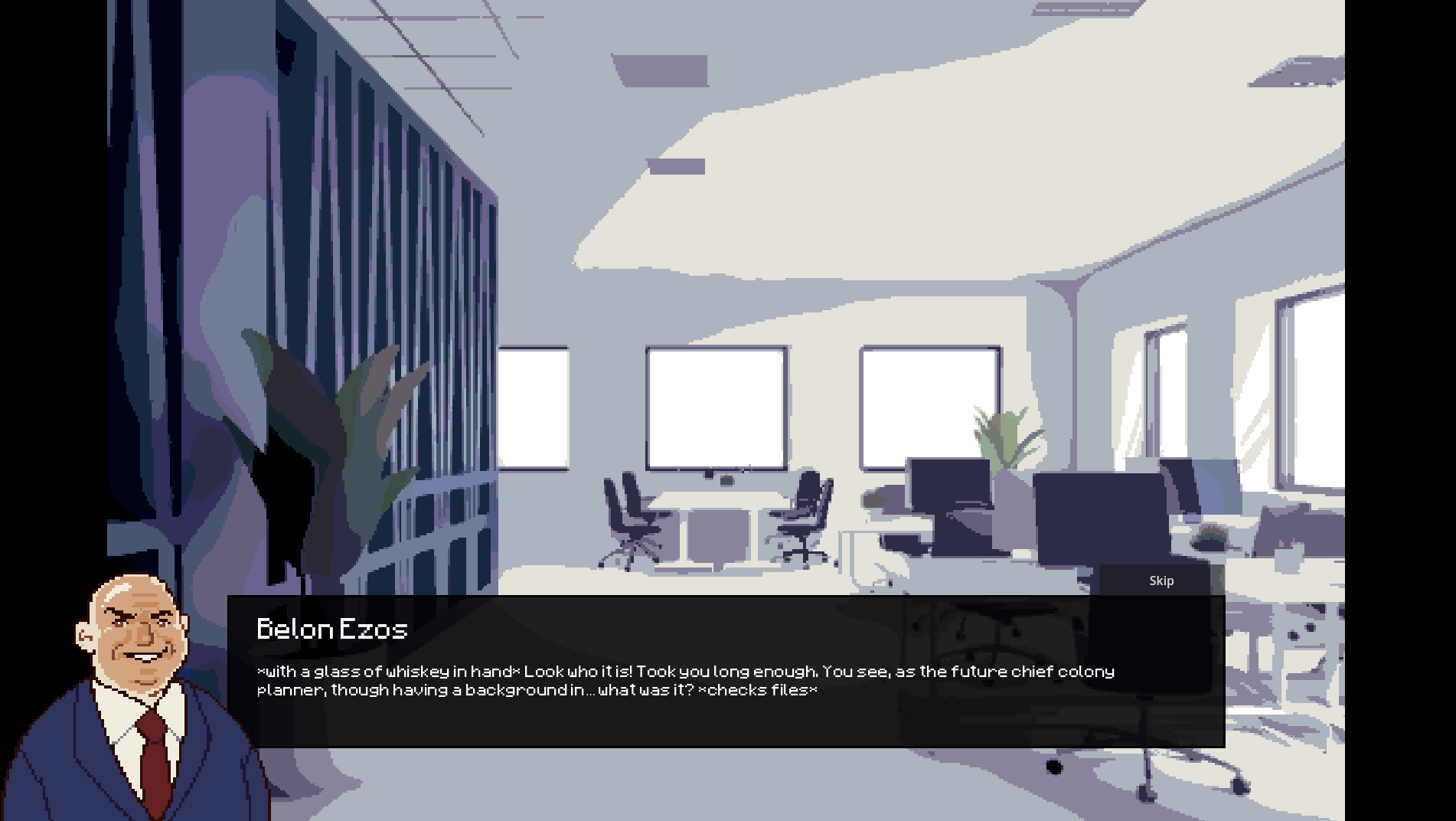
In the year 2056, faced with an apparent threat to Earth’s very existence, the United Nations has devised Project Starhaven, a daring initiative to sow the seeds of mankind across the solar system and ensure humanity lives on. You’ve been named Chief Colony Planner, and your first stop is the Moon! But that’s the official story. Given that your new boss is the world’s first trillionaire, and your promised shipment of supplies has gone missing, some members of your team are having other ideas regarding the project’s true purpose…
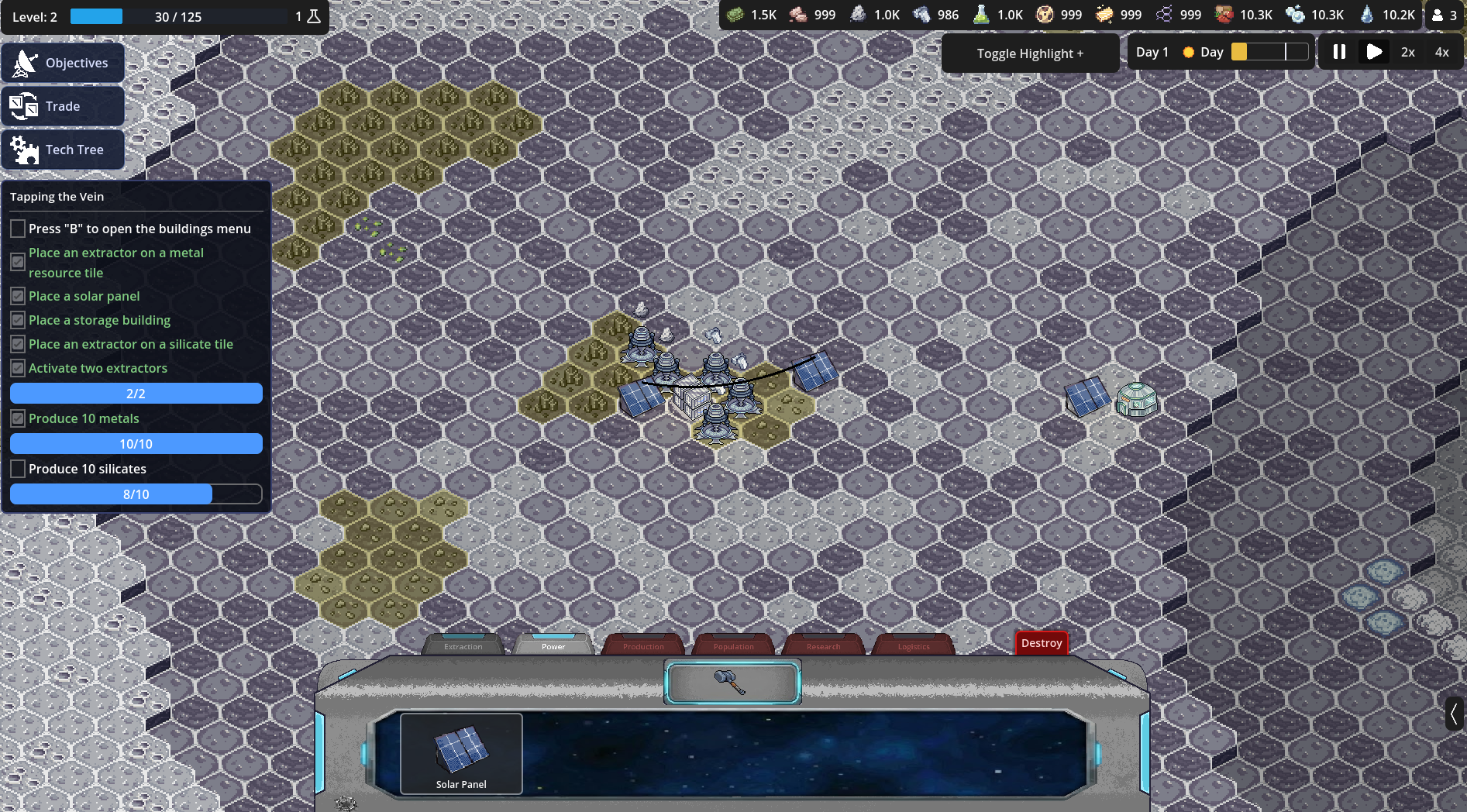
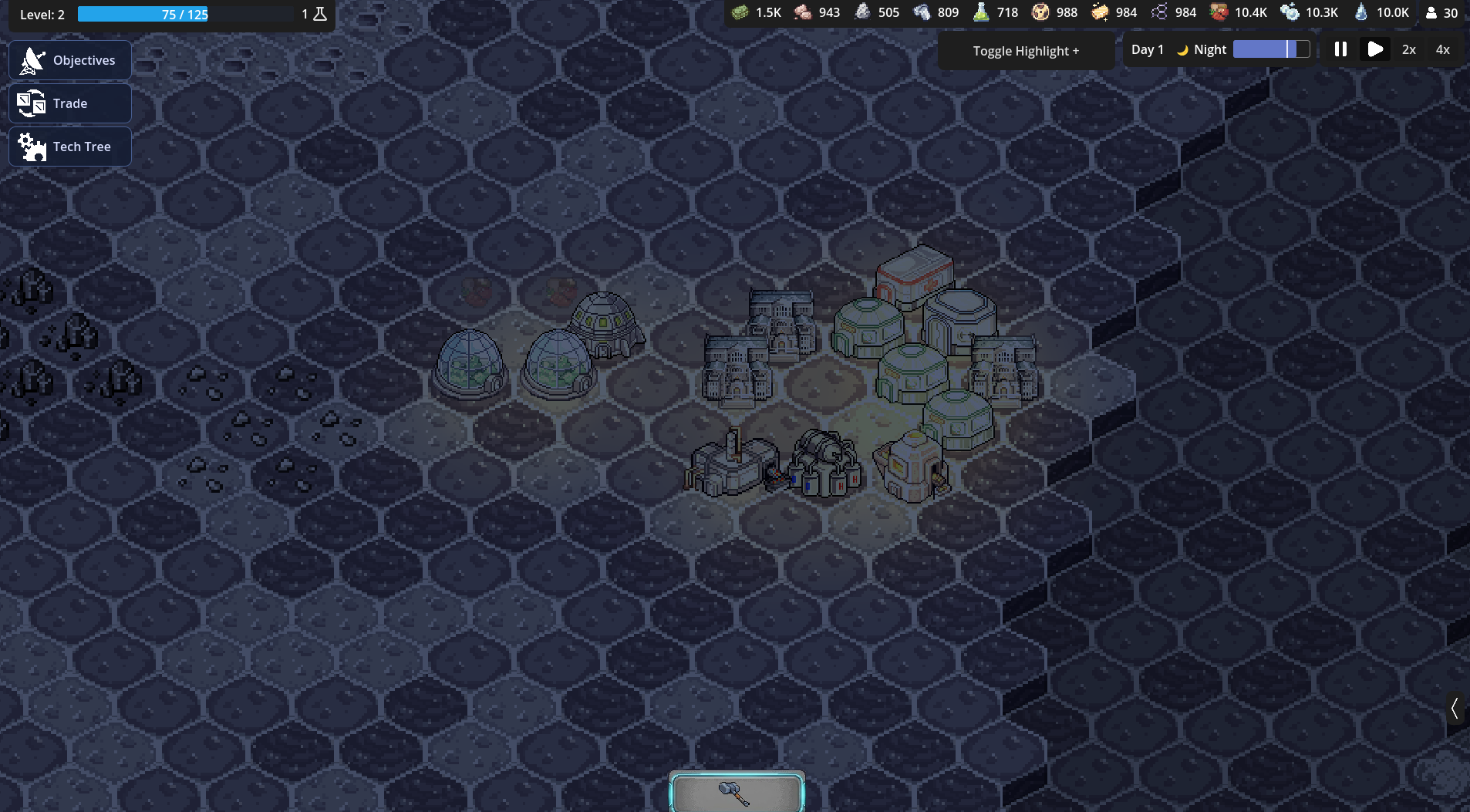
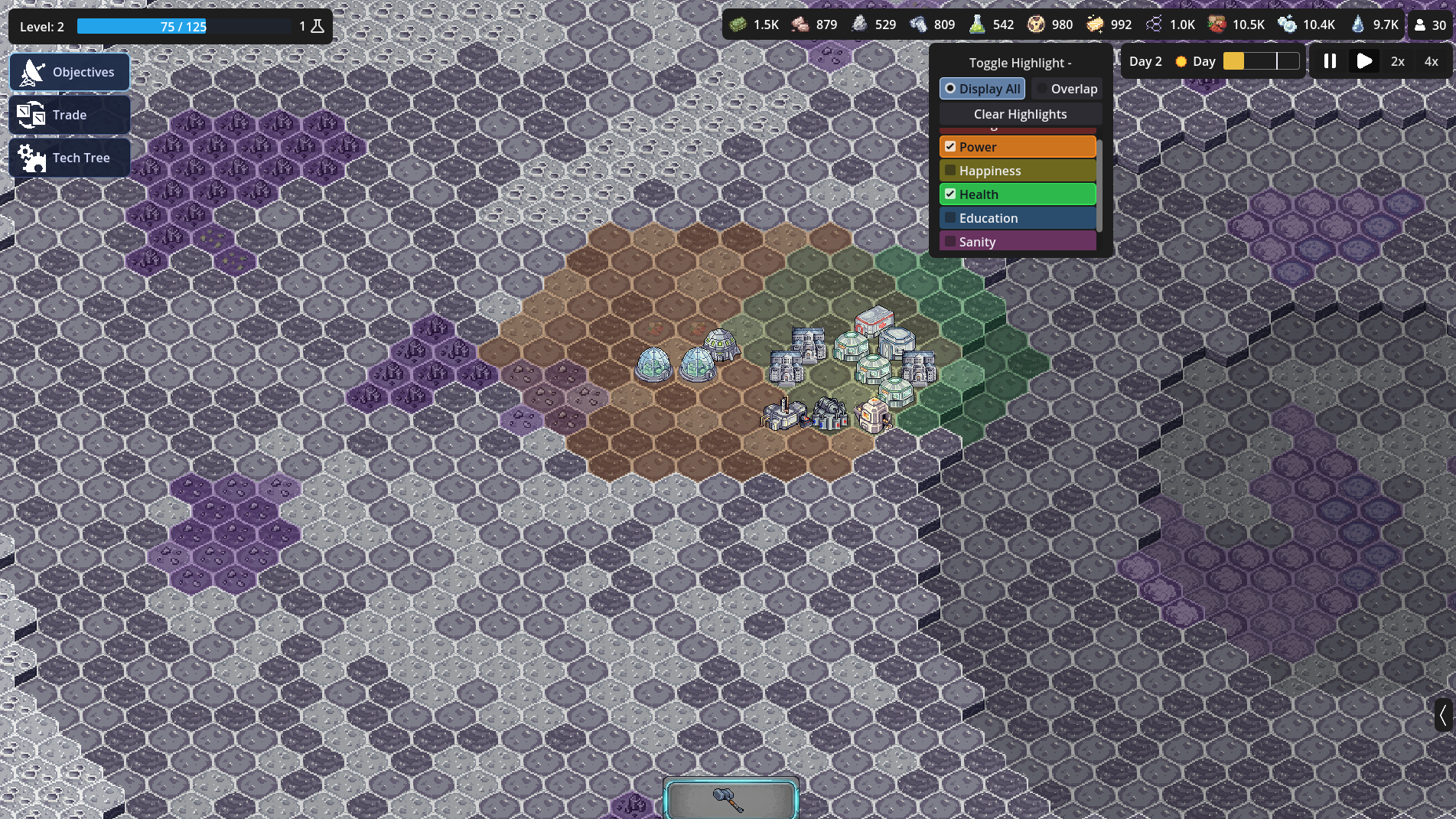
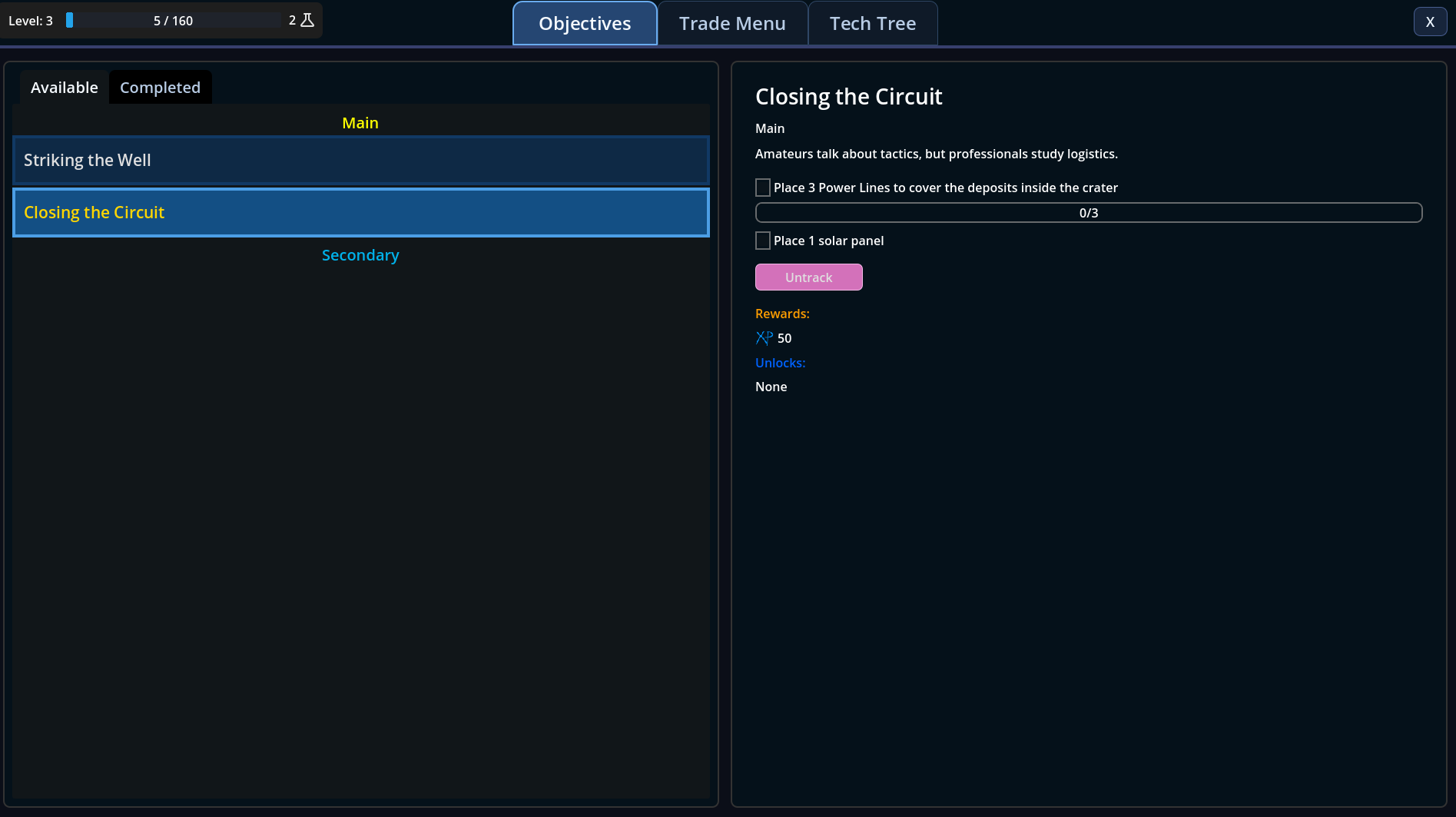
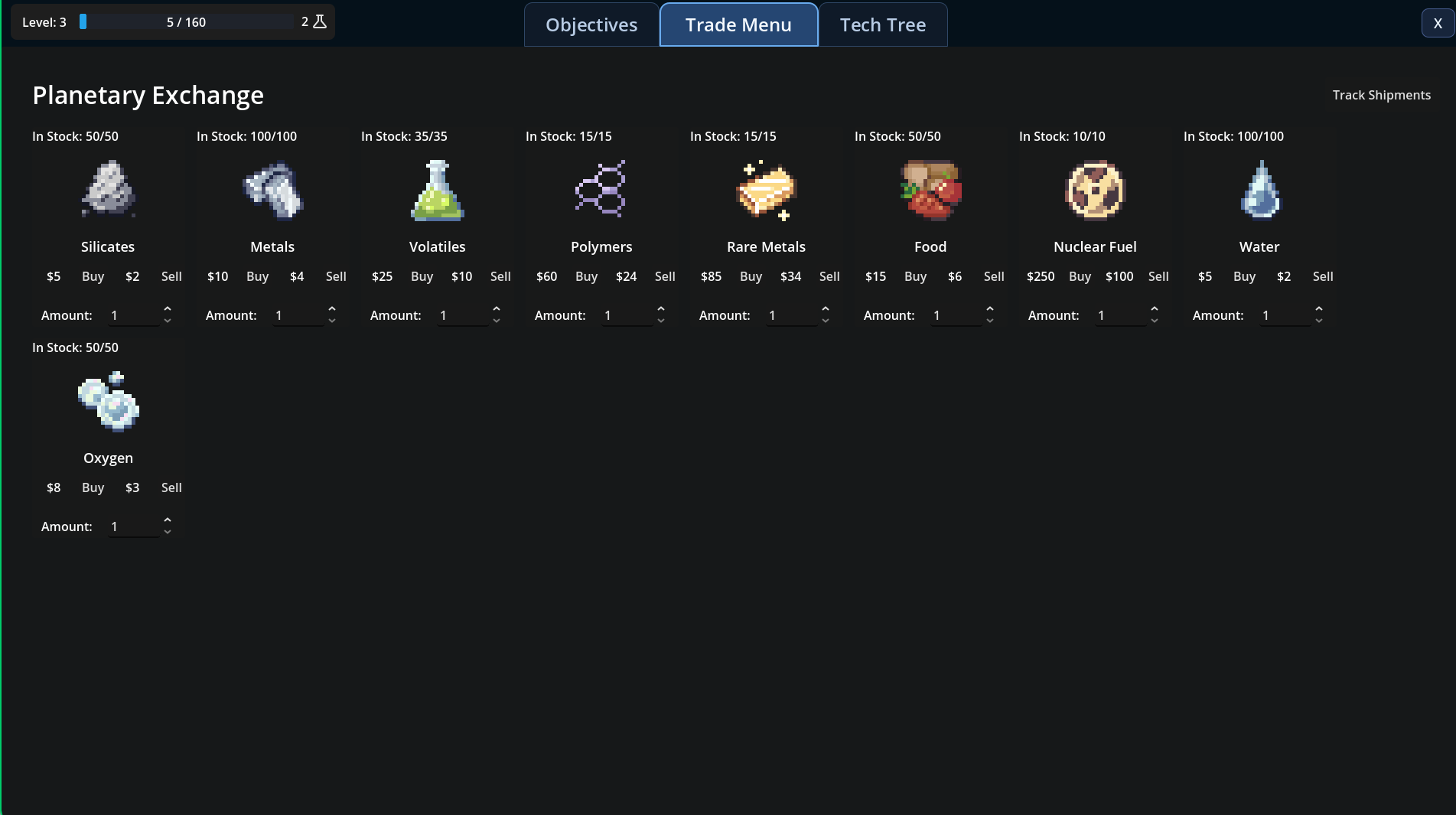
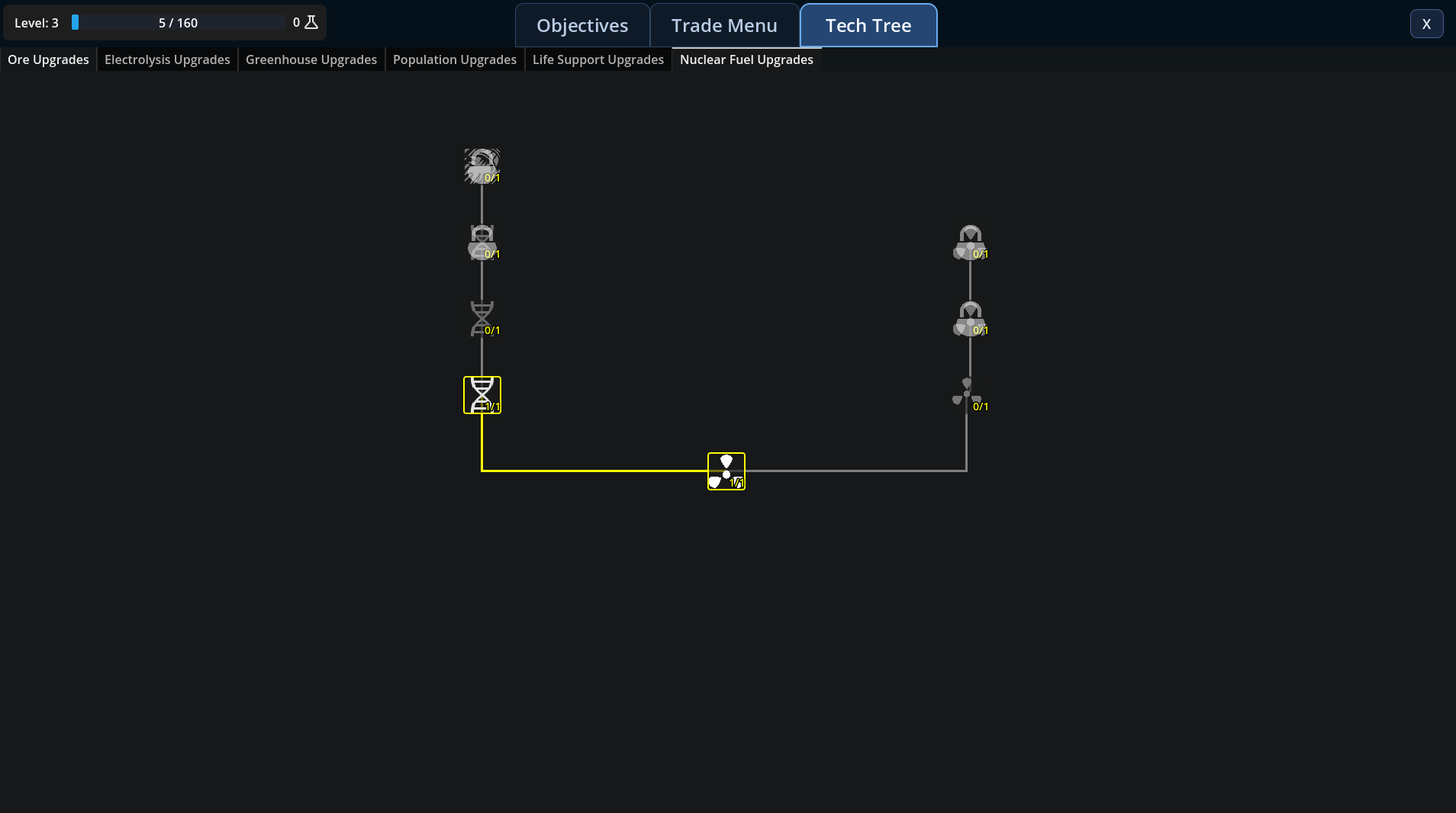
In this near-future space colony city-builder, gather resources, manage your colonists, and construct thriving colonies across the solar system. Research upgrades and grow your economy to overcome the odds and become self-sufficient in the hostile reaches of space!
Download
Install instructions
Windows
Unzip the file and run ProjectStarhaven.exe
MacOS
Unzip the file and follow these instructions
If you download a new build and see a "Killed: 9" error or "The application can't be opened" message in the Terminal, macOS is blocking it because the build is unsigned. First ensure that you have Selected "Open Anyway" in the Security and Privacy tab in Settings. Follow these steps to fix it:
1.Move to Applications
Don't run the game from your Downloads folder. Drag the game folder into your Applications folder first.
2. Run the "Rescue" Commands
- Open Terminal and run these three commands in order (replace the path if your folder name is different): A. Strip Quarantine Flags: Bash
- xattr -cr /Applications/v0_1_macos/ProjectStarhaven.app
- B. Force Executable Permissions: Bash
- chmod -R +x /Applications/v0_1_macos/ProjectStarhaven.app
- C. Sign Locally (Fixes Killed: 9): Bash
- codesign --force --deep --sign - /Applications/v0_1_macos/ProjectStarhaven.app
3. Launching for the First Time
- Right-click ProjectStarhaven.command (or the .app).
- Select Open.
- When the warning pops up, click the Open button (this button only appears via Right-Click).
Leave a comment
Log in with itch.io to leave a comment.